
If your Pinterest workflow feels like a constant cycle of designing, writing, scheduling, and trying to stay consistent, Pin Generator is built to remove a lot of that manual work. It focuses on automated pin creation, bulk scheduling, AI-generated descriptions, keyword research, trend tracking, and product-based workflows so you can create more Pinterest content in less time.
Introduction
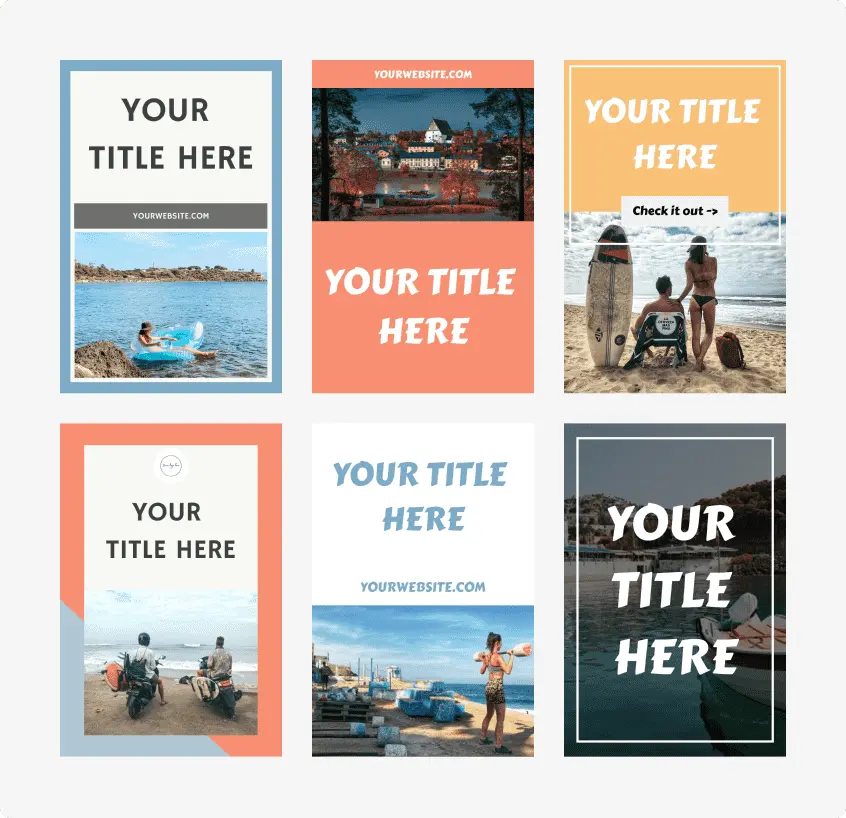
Pinterest can still be a powerful traffic and marketing channel, but the work behind it is what slows most users down. You need fresh pins, keyword-focused titles, solid descriptions, consistent scheduling, and enough design variation to keep publishing without burning out. Pin Generator is designed to automate those steps by scanning URLs, pulling images from content, generating multiple pin designs, and helping users schedule at scale.
For bloggers, affiliate marketers, store owners, and content teams, that matters. Instead of spending hours on one pretty design after another, the tool is built to help you move faster while keeping your Pinterest marketing workflow organized. If you want to explore the platform directly, you can check out Pin Generator here.
Product Overview
Pin Generator is a web-based Pinterest automation tool designed for bloggers, affiliate marketers, eCommerce businesses, agencies, and creators who want to automate pin creation and scheduling. Its core functionality includes pin generation, AI writing, dynamic templates, scheduling, RSS automation, keyword research, trend alerts, product sync, catalogs, and bulk workflows.
On the official site, the platform highlights that it is tested and verified by Pinterest and trusted by 36,739+ users. It also promotes a broad Pinterest-focused toolkit rather than a single-feature design app, which makes it feel more like a full content creation system than a simple pin generator.
Key Features
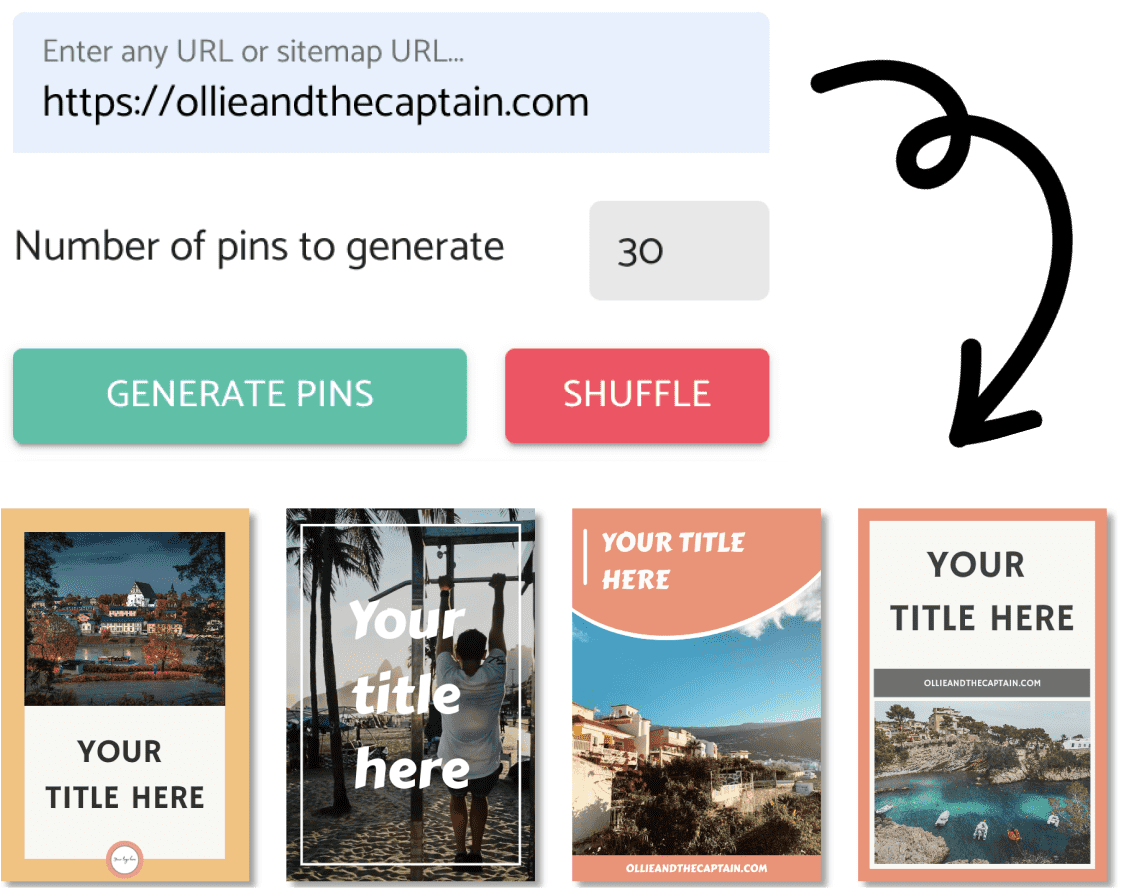
- Automatic pin generation from a URL or sitemap
- Dynamic templates that insert titles, descriptions, images, and colors automatically
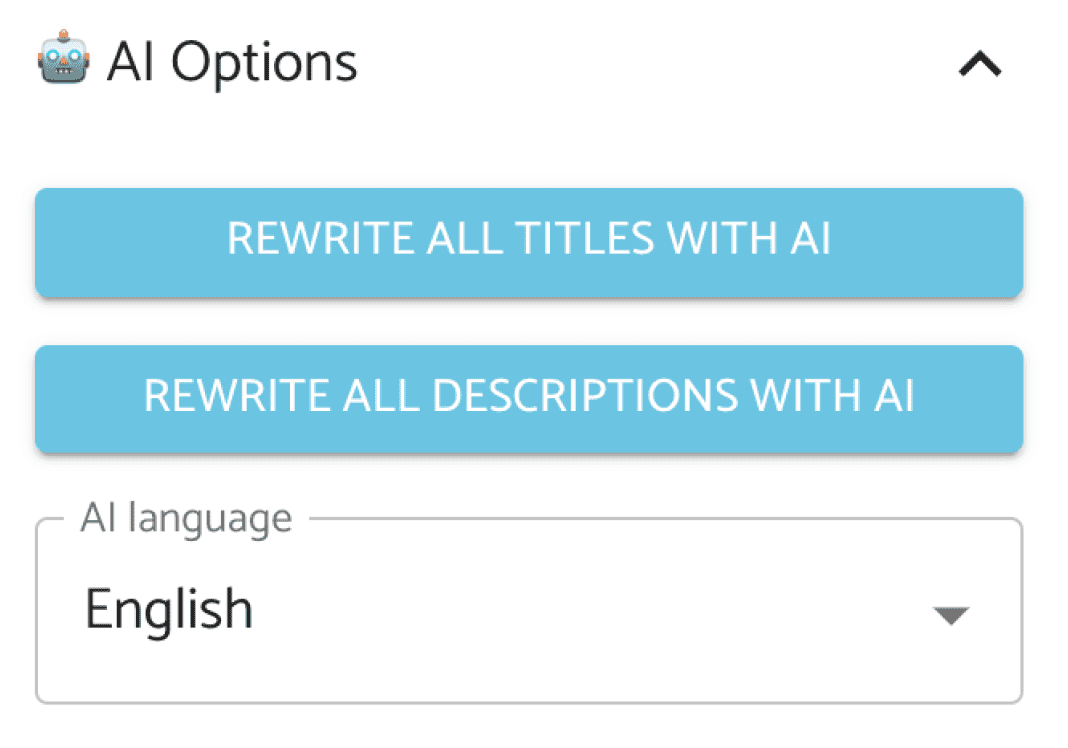
- AI-powered title, description, and image generation
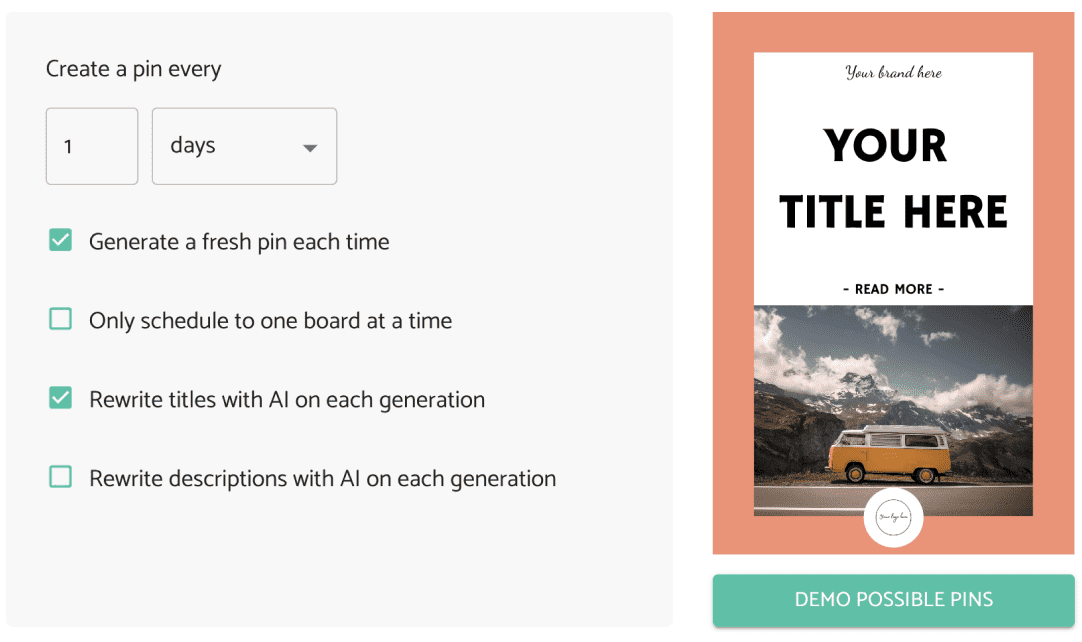
- Bulk scheduling and smart scheduling
- Auto-Pins for repeatable automated pin creation
- RSS and Atom feed automation for new blog posts
- Pinterest keyword research tool
- Trend alerts for fast-moving Pinterest topics
- Canva integration
- Product sync from Etsy, Shopify, Amazon, and WooCommerce
- Pinterest product catalogs
- CSV-based pin generation
- Stock photos and videos
- Chrome extension for faster pin creation while browsing
Real Benefits
1. Major Time Savings
The biggest benefit is simple: time. The official website says users can create one month of Pinterest content in one minute and claims 80% less time creating pins. Reviews consistently describe it as a serious time-saver for designing, writing, and scheduling.
2. Better Workflow for Bulk Content
If you manage a blog, store, or content business, bulk creation matters. Pin Generator is designed for scale, with scheduling, product imports, catalog support, templates, and automated generation all built into one workflow. That makes it easier to create and schedule large batches of pins without switching between tools.
3. Stronger Pinterest SEO Support
Pinterest is a search-driven platform, so SEO matters. Pin Generator includes keyword research, AI descriptions, title writing, rewrites, and trend alerts to help users create pins based on what people are actually searching for.
4. Useful for Product and Blog Promotion
The tool is especially useful if your business depends on publishing blog content or promoting products. It can pull from blog posts, website pages, and product listings, then turn that content into Pinterest pins much faster than a manual process.
Want to automate more of your Pinterest workflow?
If your focus is faster pin generation, cleaner scheduling, and better Pinterest SEO, Pin Generator is worth a closer look.
Explore Pin GeneratorWho Is Pin Generator For?
- Bloggers who want to turn each post into multiple Pinterest pins
- Affiliate marketers who need more pin variations and SEO-focused descriptions
- eCommerce stores that want faster product pin creation and catalogs
- Agencies managing multiple accounts and high-volume scheduling
- Beginners who want a more guided Pinterest automation workflow
Pros and Cons
Pros
- Saves a lot of time on pin designing and scheduling
- Supports bulk pin generation and bulk scheduling
- Includes AI writing for titles and descriptions
- Built for blogs, stores, and affiliate marketing workflows
- Offers dynamic templates, community templates, and brand settings
- Supports products, catalogs, and multiple content inputs
Cons
- Some reviews mention glitches, especially with templates
- There can be a learning curve for first-time users
- The credit-based pricing model may add up for heavy users
- Auto-generated designs may still need editing before publishing
- Automation helps, but users still need a real Pinterest strategy
Product Specifications
| Specification | Details |
|---|---|
| Product type | Web-based Pinterest automation and pin generator |
| Main use | Create, optimize, and schedule Pinterest pins |
| Core inputs | URLs, sitemaps, RSS/Atom feeds, CSV files, and product feeds |
| AI functionality | AI titles, descriptions, images, rewrites, translation, and AI alt text |
| Design tools | Dynamic templates, custom templates, brand profiles, Canva import |
| Scheduling | Smart scheduling, repeating pins, bulk scheduling, and multiple boards |
| SEO tools | Keyword research, trend alerts, and Pinterest-focused writing |
| eCommerce support | Etsy, Shopify, Amazon, WooCommerce, product sync, and catalogs |
| Media support | Image pins, video pins, stock photos, and stock videos |
| Access | Cloud-based and browser-accessible |
Pricing and Value for Money
Based on the current official pricing page, Pin Generator offers four main monthly plans: Pro for $29.99/month with 1,000 credits, Growth for $49.99/month with 4,000 credits, Agency for $69.99/month with 10,000 credits, and Scale for $169.99/month with 30,000 credits. The site also says annual billing can save up to 33%.
Credit usage matters here. The official page lists sample usage at 1 credit for an image pin, 0.5 credits for AI text, 2 credits for AI alt text, 5 credits for a video pin, and 12 credits for an AI image. If you publish in bulk, that gives you a better idea of real monthly value than the plan price alone.
If you want to compare the plans directly, you can view Pin Generator pricing here.
Real User Impressions
The overall tone across the provided material is positive. On the official site, testimonials describe Pin Generator as a big time-saver for pin designing and scheduling. Users also say it makes Pinterest feel like a more practical marketing channel, especially when consistent publishing has been hard to maintain manually.
External reviews are also largely favorable. One review gives it a 9.1/10 score and highlights ease of use, bulk scheduling, custom templates, and AI-powered writing. Another says the dashboard is well set out, easy to use, and useful for getting past creative blocks when building pins quickly.
Still, the feedback is not one-sided. Some reviews mention glitches, a learning curve, and a few account-related concerns. Others point out that automated designs may still need a final editing pass before they are ready to publish. That makes the review picture feel more balanced and more believable.
Final Verdict
If your focus is speed, bulk pin creation, Pinterest SEO, and automated scheduling, Pin Generator makes a strong case for itself. It looks especially useful for bloggers, affiliate marketers, agencies, and eCommerce businesses that need to create more content without spending more time every week on manual designing.
It is not perfect. The credit system affects pricing, some generated designs may need refining, and a few reviews mention usability issues. But based on the available information, Pin Generator is one of the more complete Pinterest automation tools for users who care about workflow efficiency, content generation, and reaching more customers through consistent pin publishing.
If that sounds like the kind of tool your business needs, you can naturally take the next step and try Pin Generator here.
FAQs
Is Pin Generator good for bloggers?
Yes. It is clearly positioned for blog promotion, especially because it can scan blog posts, pull images, generate multiple pin designs, and automate pins from RSS or Atom feeds.
Can Pin Generator automate Pinterest scheduling?
Yes. The platform includes smart scheduling, bulk scheduling, repeating pins, multi-board posting, and automated pin workflows.
Does Pin Generator help with Pinterest SEO?
Yes. It includes keyword research, AI-generated descriptions, title writing, rewrites, and trend alerts to help users create more search-friendly Pinterest content.
Can Pin Generator work for stores and product catalogs?
Yes. The official feature list includes product sync from Etsy, Shopify, Amazon, and WooCommerce, plus support for Pinterest product catalogs.
Is Pin Generator worth it for bulk pin creation?
If your goal is to automate pin generation, save time, and publish more consistently, it appears to offer strong value, especially for users working at scale.